 Pixvio.Ai
Guides
Get the app
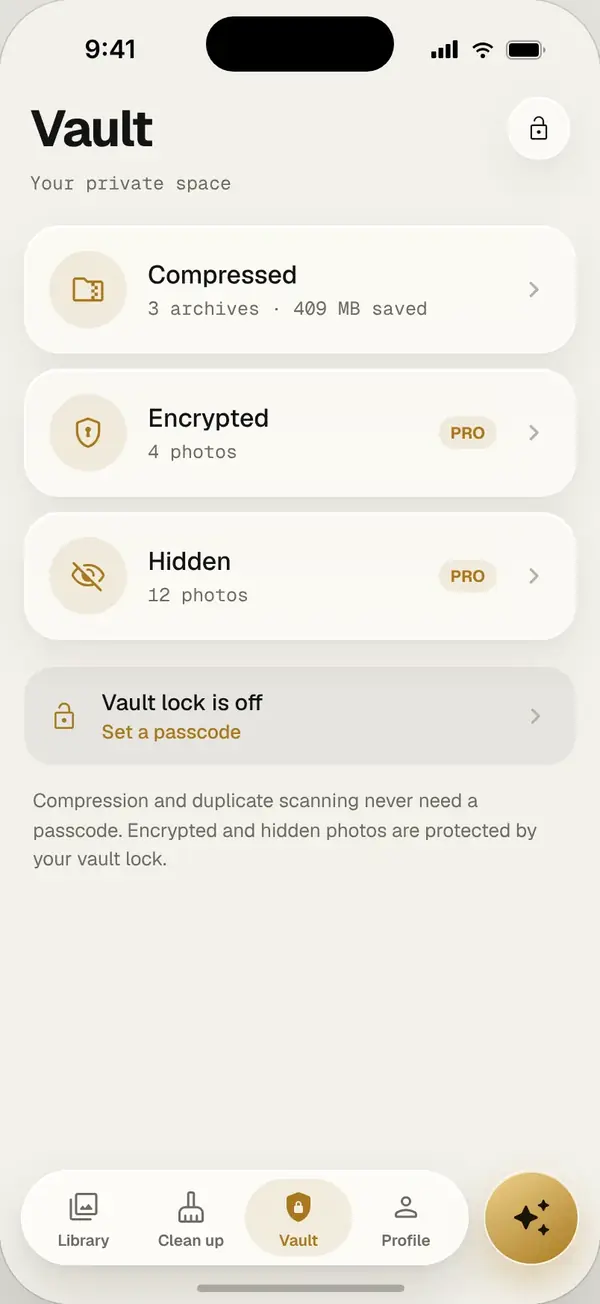
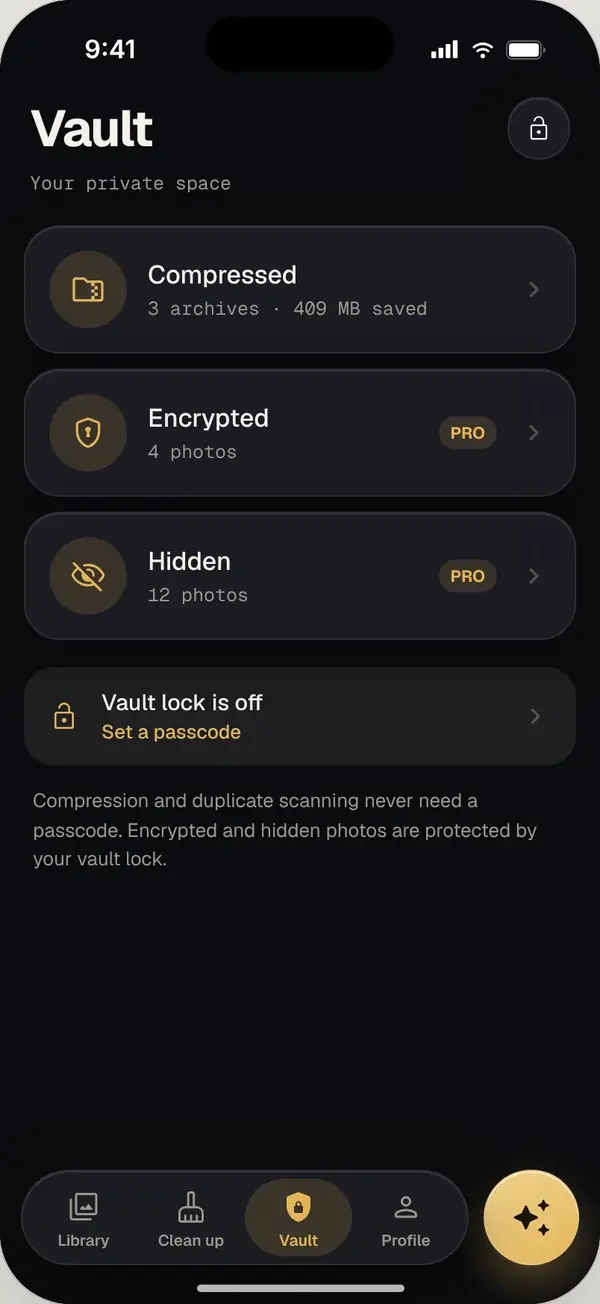
Pixvio’s private photo vault hides photos from your main gallery and can encrypt them with AES-256 on your phone. You unlock it with your face or fingerprint. Photos are never uploaded and there is no account.
Hide or encrypt: your choice
Some photos just need to be out of sight, like documents, receipts or surprise gifts. Others need real protection. Pixvio lets you hide photos from the main gallery, or fully encrypt them so they cannot be opened without unlocking the vault.
How the vault keeps photos safe
- AES-256 encryption, the same standard used by banks and governments
- Encryption happens on your phone, so your photos are never sent to a server
- Face or fingerprint unlock, so only you can open the vault
- No account, so there is no password database to leak
Moving photos into the vault
- 1
Select the photos
Pick one photo or many from your library or any album.
- 2
Choose hide or encrypt
Hidden photos leave the main gallery. Encrypted photos are also locked with AES-256.
- 3
Unlock when you need them
Open the vault with your face or fingerprint, view or share, then lock it again.
Frequently asked questions
Is the vault really encrypted?
Yes. Encrypted vault items use AES-256 encryption, applied on your phone.
Are vault photos uploaded or backed up by Pixvio?
No. They stay on your phone. Keep your own backup of anything important.
Can someone open the vault without my face or fingerprint?
The vault is locked with your phone’s biometric unlock, so others cannot open it from inside Pixvio.
Is the vault free?
The AES-256 encrypted vault is part of Pixvio Pro, which you can upgrade to inside the app.