 Pixvio.Ai
Guides
Get the app
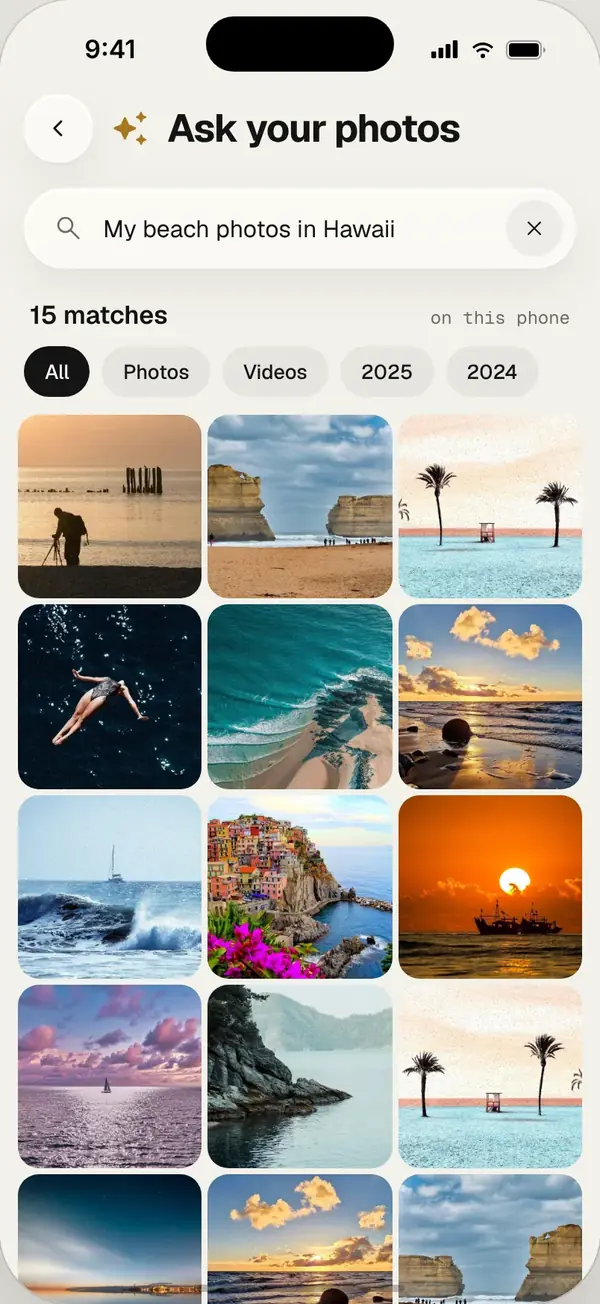
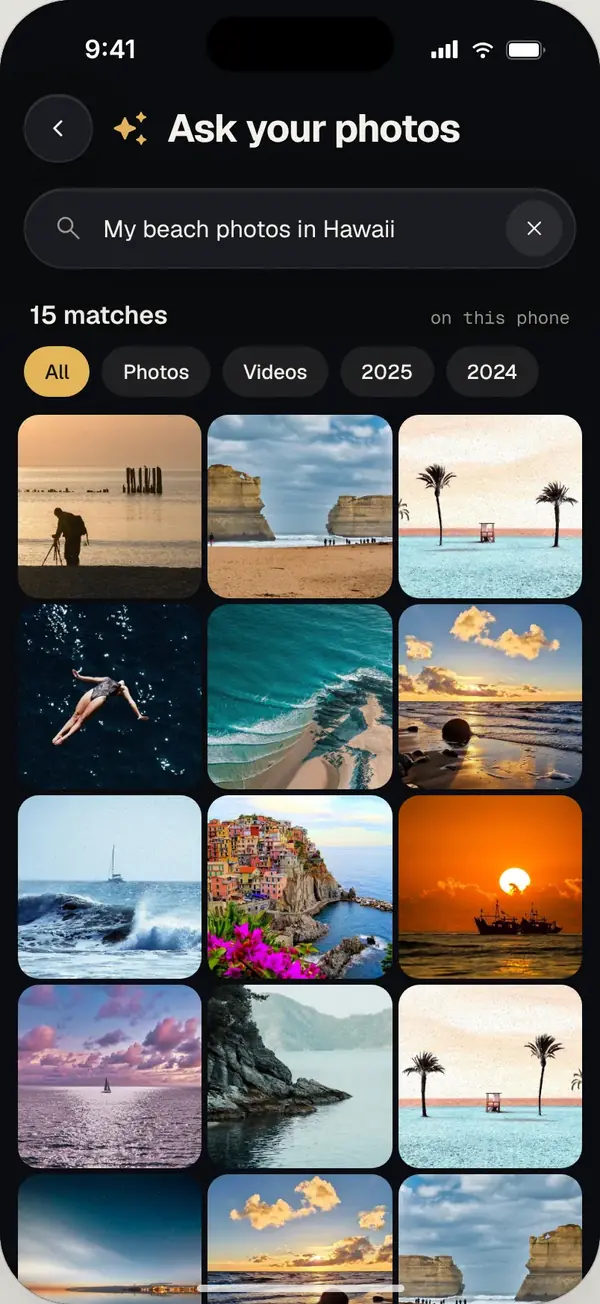
The fastest way to find a photo without scrolling is to search by what is in it. In an AI gallery app like Pixvio, type a description such as “dog on the beach” and every matching photo appears. You can also add a year, check app folders like WhatsApp Images, or open a similar photo and browse look-alikes.
1. Search by what is in the photo
The fastest way is to describe the photo instead of hunting for its date. Apps with AI photo search, like Pixvio, let you type “dog on the beach” or “birthday cake” and show every match. Pixvio does this on your phone, so it also works offline.
2. Use the place or date you remember
If you remember roughly when or where it was taken, most gallery apps let you jump to a month or browse by location. In Pixvio you can add a year to your search, like “beach 2024”.
3. Check the album it probably landed in
Photos saved from messaging apps, screenshots and downloads usually live in their own folders, not your camera roll. Open albums like WhatsApp Images, Screenshots or Downloads.
4. Find look-alikes
Found a photo from the same day or place? Open it and use “similar photos”. Pixvio shows pictures that look alike, which is often the quickest way to the one you wanted.
Make it easier next time
- Clear out duplicates so search results are cleaner
- Move private photos to a vault so they don’t show up everywhere
- Archive old albums you rarely open
Frequently asked questions
Can I search my photos by describing them?
Yes. Apps with AI photo search, like Pixvio, let you type a description such as “sunset” or “cat sleeping” and show matching photos.
Does photo search work without internet?
With Pixvio it does, because the AI runs on your phone.