 Pixvio.Ai
Guides
Get the app
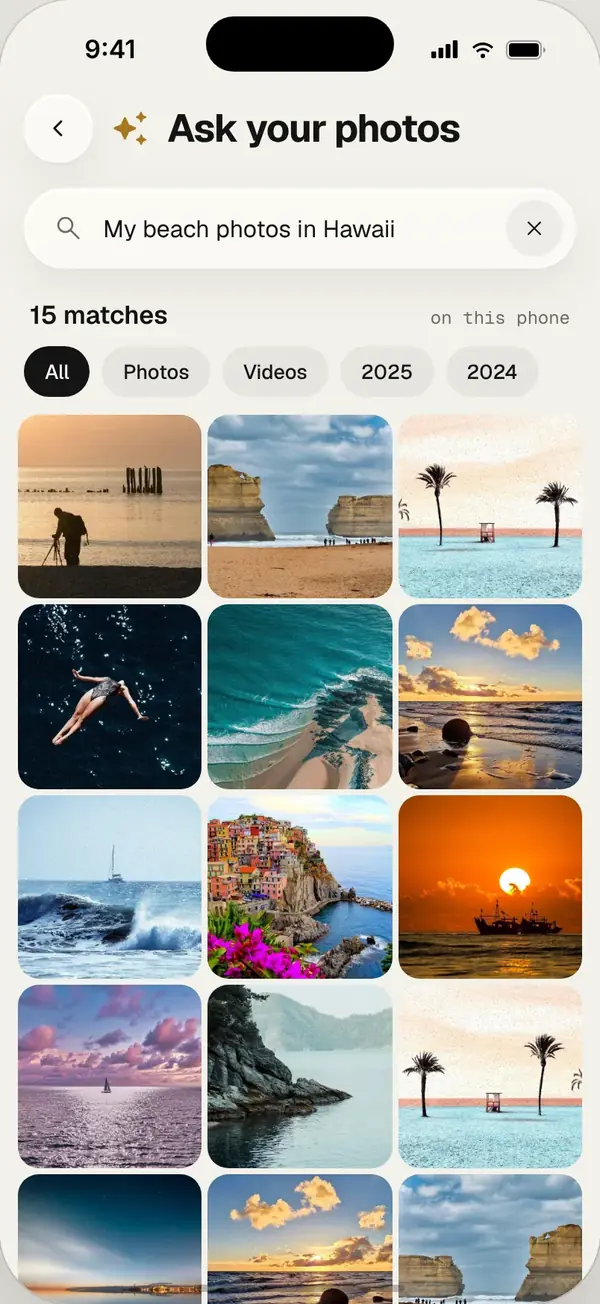
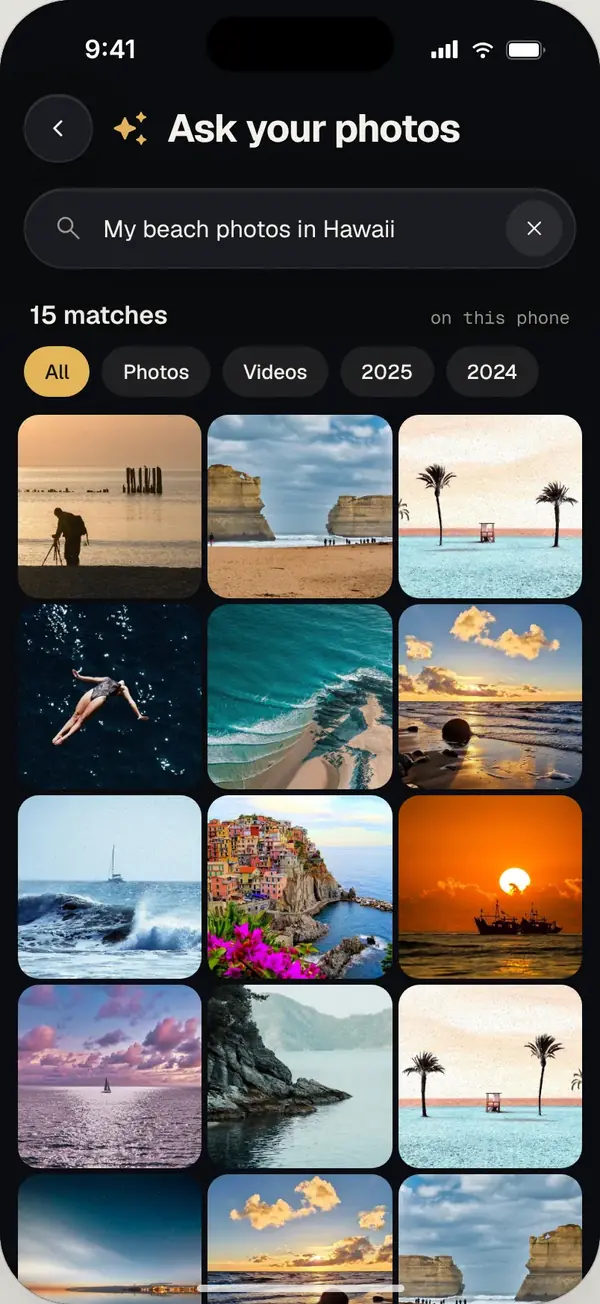
To search photos by what is in them, use a gallery app with AI recognition and type simple words like “cat”, “mountains” or “birthday”. Two words work better than one, and adding a year narrows results. Pixvio does this on your phone, so photos are never uploaded.
Words that work best
- Simple nouns: dog, car, cake, flowers, beach
- Scenes: sunset, snow, city at night, mountains
- Events: birthday, wedding, concert
- Two words beat one: “dog beach” is sharper than “dog”
- Add a year: “snow 2023” narrows it down
Doing it privately
Many photo apps analyse your pictures on their servers. If you’d rather keep photos on your phone, choose an app that runs the AI on the device. Pixvio does all its photo recognition on your phone, with no account and no upload, and it works offline.
Searching with Pixvio
- 1
Open Pixvio and let it index once
The first time, Pixvio looks at your photos in the background on your phone.
- 2
Type what you remember
Use one or two words, like “dog beach”.
- 3
Refine with look-alikes
Open a result and tap similar photos to find the rest of that moment.
Frequently asked questions
Why doesn’t my gallery find a photo by keyword?
Many built-in galleries only search file names, dates and places. Searching by content needs an app that recognises what is in each photo.
Is it safe to let an app recognise my photos?
It depends where the recognition happens. Pixvio does it on your phone, so your photos are never uploaded.