 Pixvio.Ai
Guides
Get the app
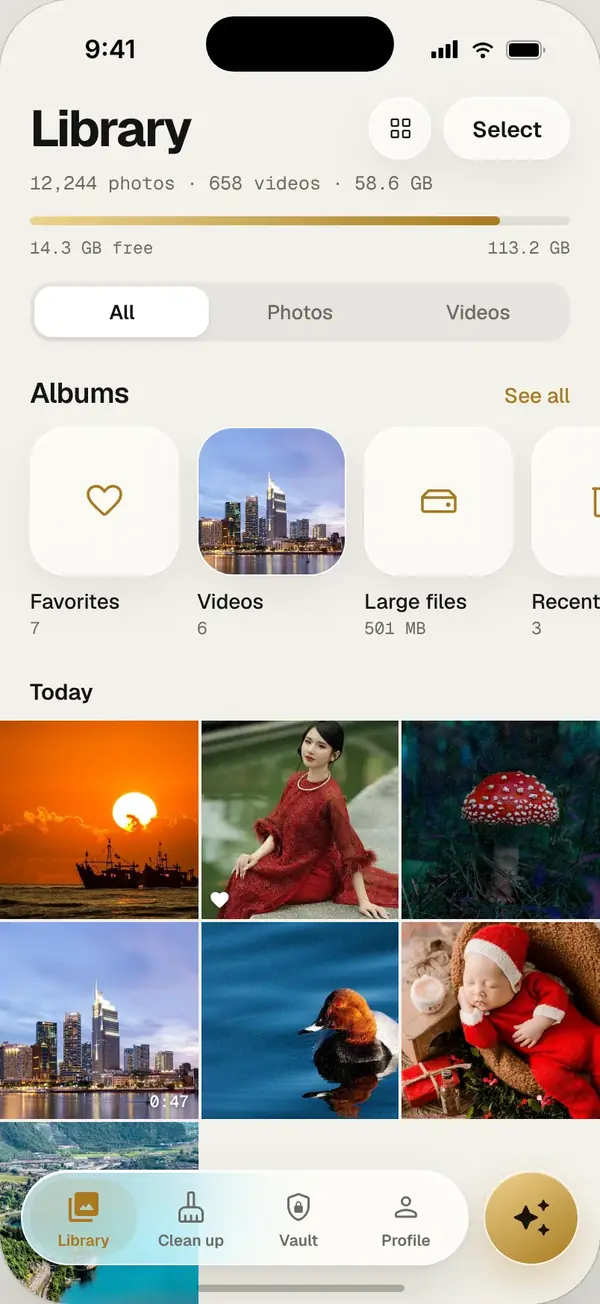
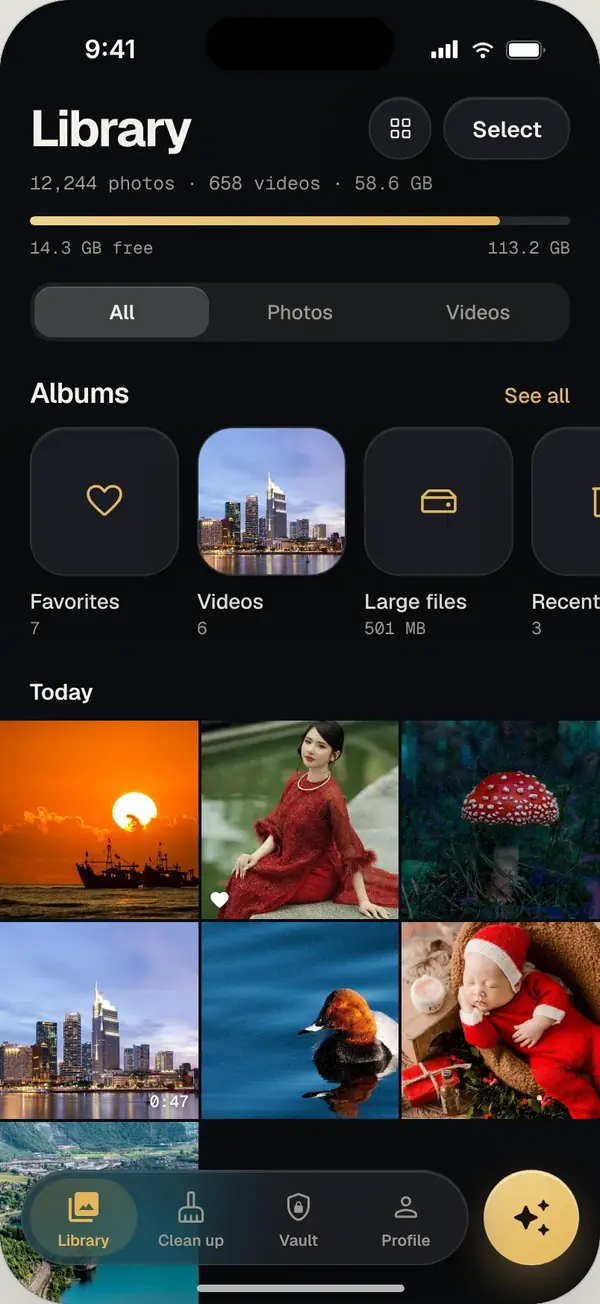
Pixvio is a private alternative to Google Photos for Android and iPhone. It gives you AI photo search, duplicate cleanup and an encrypted vault without a Google account or cloud upload, because everything runs on your phone. It is not a cloud backup, so keep your own backup.
Why people look for an alternative
Google Photos is excellent at backing up photos to the cloud, and many of its smart features are built around that cloud library. That works well for many people. Others would rather their personal photos stayed on their own device, or they run out of the free Google storage they share with Gmail and Drive.
Pixvio is built for the second group: a fast gallery with smart features that never needs to send your photos anywhere.
Pixvio and Google Photos at a glance
| Pixvio | Google Photos | |
|---|---|---|
| Where your photos live | On your phone | On your phone and in Google’s cloud |
| Account needed | No | Google account |
| Smart search | Yes, on your phone | Yes |
| Locked or private photos | Encrypted vault (AES-256) | Locked Folder |
| Cloud backup | No (keep your own backup) | Yes |
Google Photos features change over time; this table reflects how each app generally works.
What you get with Pixvio
- Ask your photos: type “dog on the beach” and see every match in about 0.03 seconds
- On-device AI tags: Pixvio knows what is in each photo and finds look-alikes
- Duplicate cleaner: finds exact copies and keeps the best one
- Compress and restore: archive old albums up to about 80% smaller, restore free anytime
- Private vault: hide or encrypt photos with AES-256, unlocked with your face or fingerprint
An honest note on backup
Pixvio is a gallery, not a cloud backup service. Because it never uploads your photos, you should keep your own backup, for example on a computer or an external drive. Many people use Pixvio alongside a backup they already trust.
Frequently asked questions
Can I use Pixvio instead of Google Photos?
Yes, as your everyday gallery. Pixvio shows all the photos and videos on your phone with smart search and cleanup. It does not back up to the cloud, so keep a separate backup.
Do I need a Google account?
No. Pixvio has no account at all.
Will Pixvio delete my Google Photos backup?
No. Pixvio only works with the photos stored on your phone and never touches your Google account.
Is Pixvio free?
Yes. The free plan includes the gallery, smart search and cleanup with daily limits. Pro removes the limits.