 Pixvio.Ai
Guides
Get the app
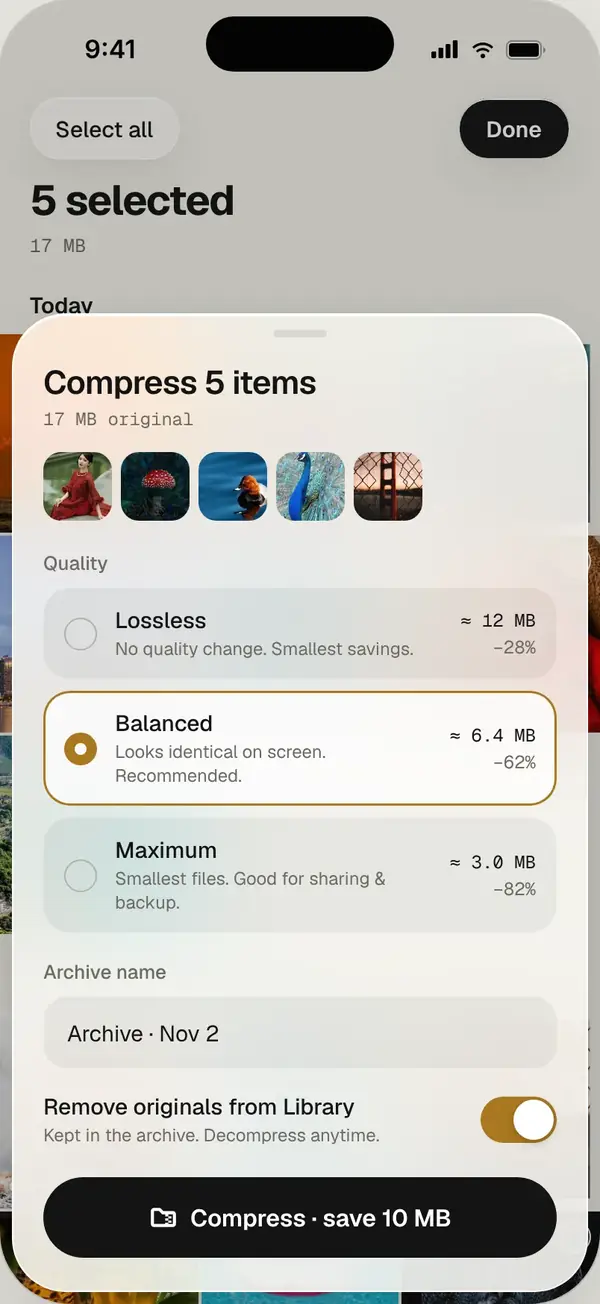
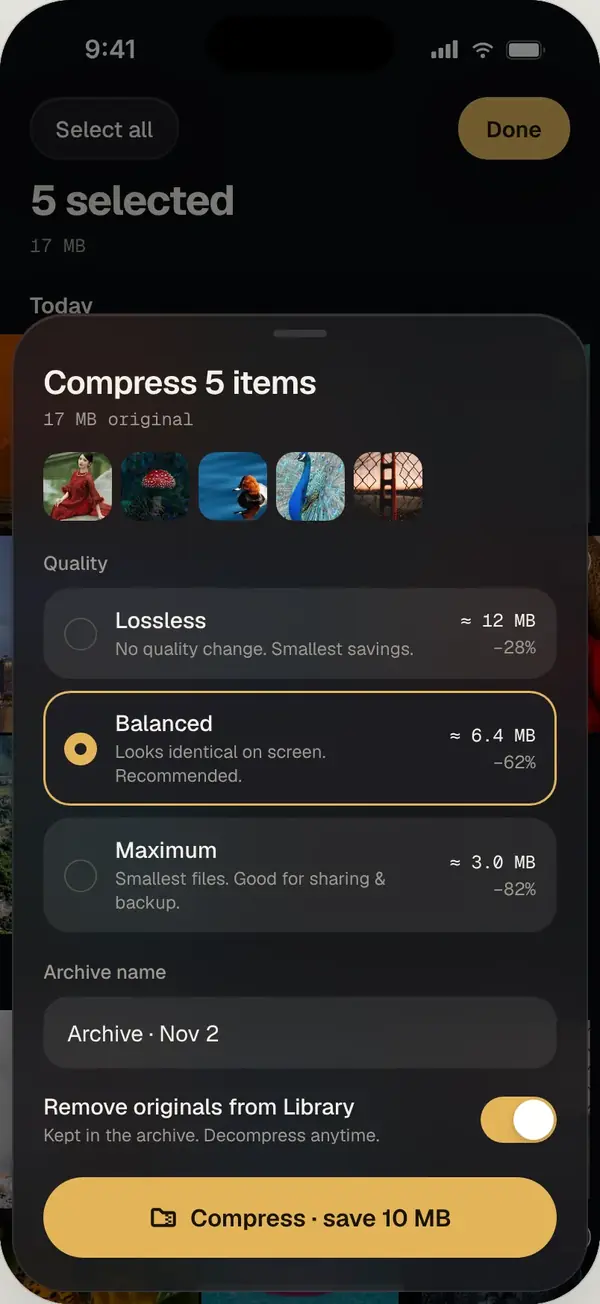
To free up phone storage without losing photos: remove exact duplicates, clear hidden app caches, compress old albums into archives you can restore later, move long videos to a computer, and keep a backup. Pixvio handles the first three on your phone.
1. Remove true duplicates first
Exact copies add nothing. Removing them is the safest space you can get back. Pixvio’s duplicate cleaner finds them across your whole phone and keeps the best one.
2. Clear hidden caches and app trash
Many apps keep their own copies of images in caches or trash folders your gallery doesn’t show. Pixvio’s deep scan finds them so you can decide what to clear.
3. Compress old albums
Albums you rarely open, like trips from years ago, can be archived. Pixvio compresses them up to about 80% smaller and restores them free whenever you want them back. Originals are removed only after the archive is written and checked.
4. Move big videos to a computer
Videos are usually the biggest files on a phone. Copy long videos to a computer or external drive, check they open, then remove them from the phone.
5. Keep a backup you trust
Whatever you do, keep a backup of important photos somewhere other than your phone, such as a computer or an external drive.
Frequently asked questions
Does compressing photos reduce quality?
Archiving trades some size for convenience. Pixvio checks every file after archiving and you can restore albums free at any time.
What takes the most space on a phone?
Usually videos, then large photo libraries, then app caches.