 Pixvio.Ai
Guides
Get the app
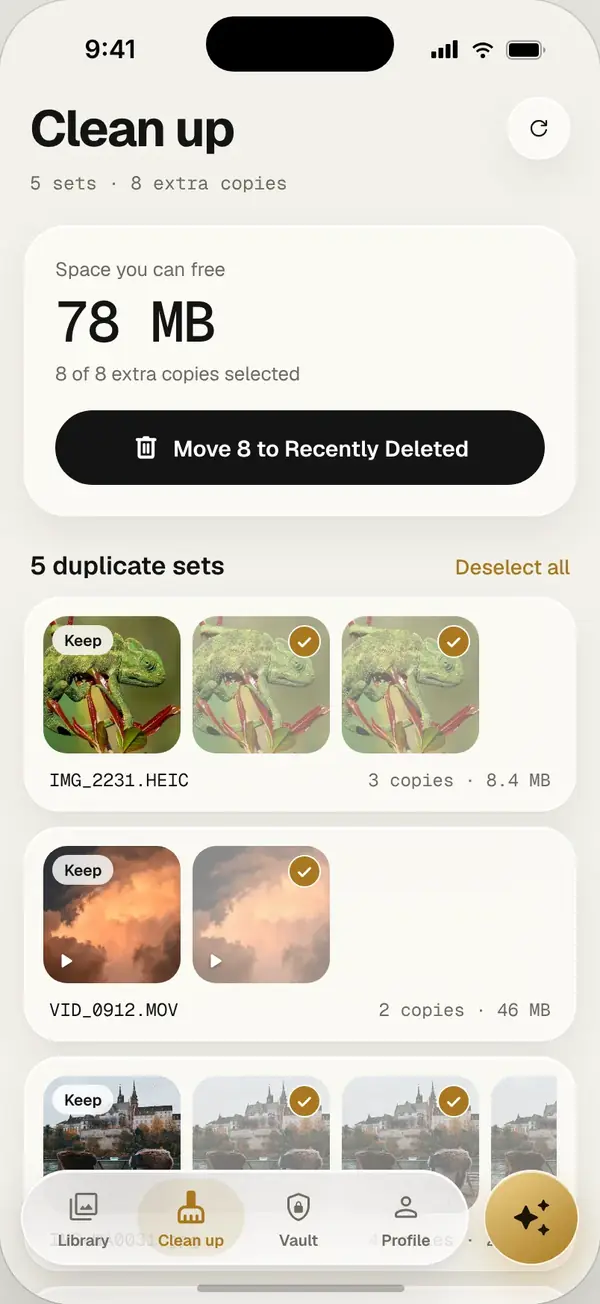
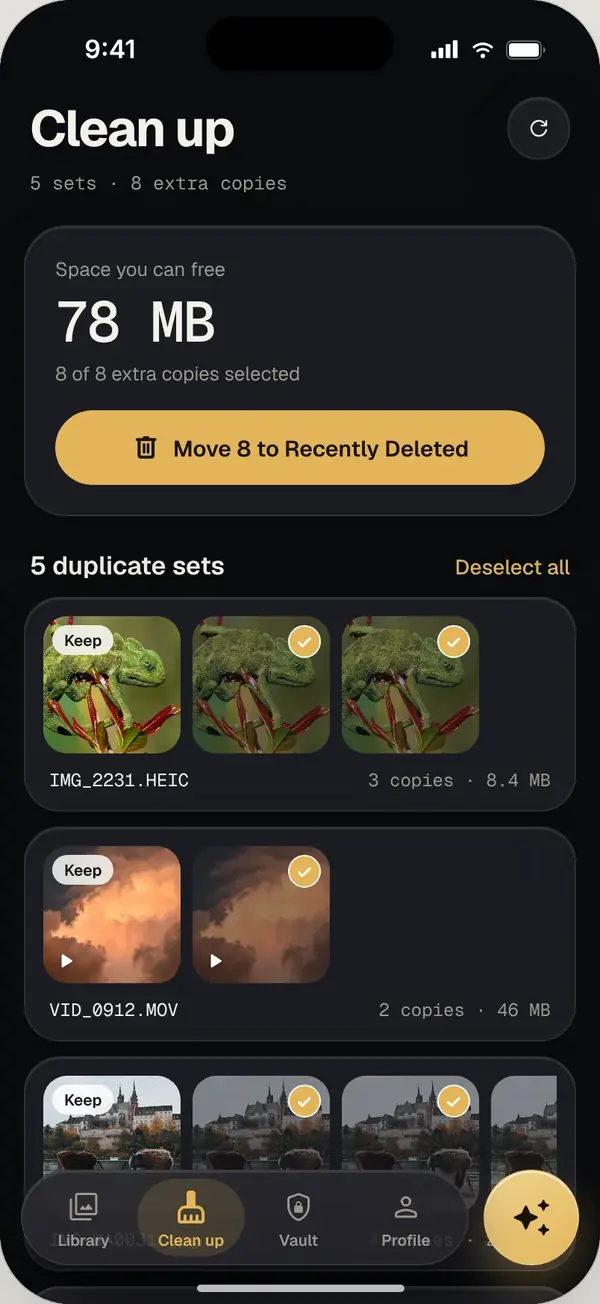
Pixvio’s duplicate photo cleaner scans your whole phone for exact copies, keeps the best one and deletes the rest in one tap. Deleted copies stay in Recently Deleted for 30 days. Everything happens on your phone.
Where duplicates come from
Duplicates pile up quietly: the same photo saved from WhatsApp twice, screenshots taken again, downloads, edited copies, and pictures restored from an old backup. On a busy phone they can take up gigabytes.
How Pixvio cleans them up
- 1
Scan
Pixvio scans every folder on your phone, including ones your normal gallery hides, like app caches and other apps’ trash.
- 2
Review
Copies are grouped together. Pixvio suggests which one to keep, and you can change it.
- 3
Clean
Delete the extras in one tap. They move to Recently Deleted for 30 days before they are gone for good.
More ways to free up space
- Deep scan: find photos hidden in folders, caches and other apps’ trash
- Compress and restore: archive old albums up to about 80% smaller, restore free anytime
- Safe by default: originals are removed only after archives are written and checked
Frequently asked questions
Will Pixvio delete photos without asking?
No. You review every group of duplicates and confirm before anything is deleted.
Can I undo a cleanup?
Yes. Deleted copies wait in Recently Deleted for 30 days.
Does duplicate cleaning work offline?
Yes. Scanning and cleaning happen on your phone. Nothing is uploaded.
Is the duplicate cleaner free?
Yes, with a daily limit on the free plan. Pro removes the limit.