 Pixvio.Ai
Guides
Get the app
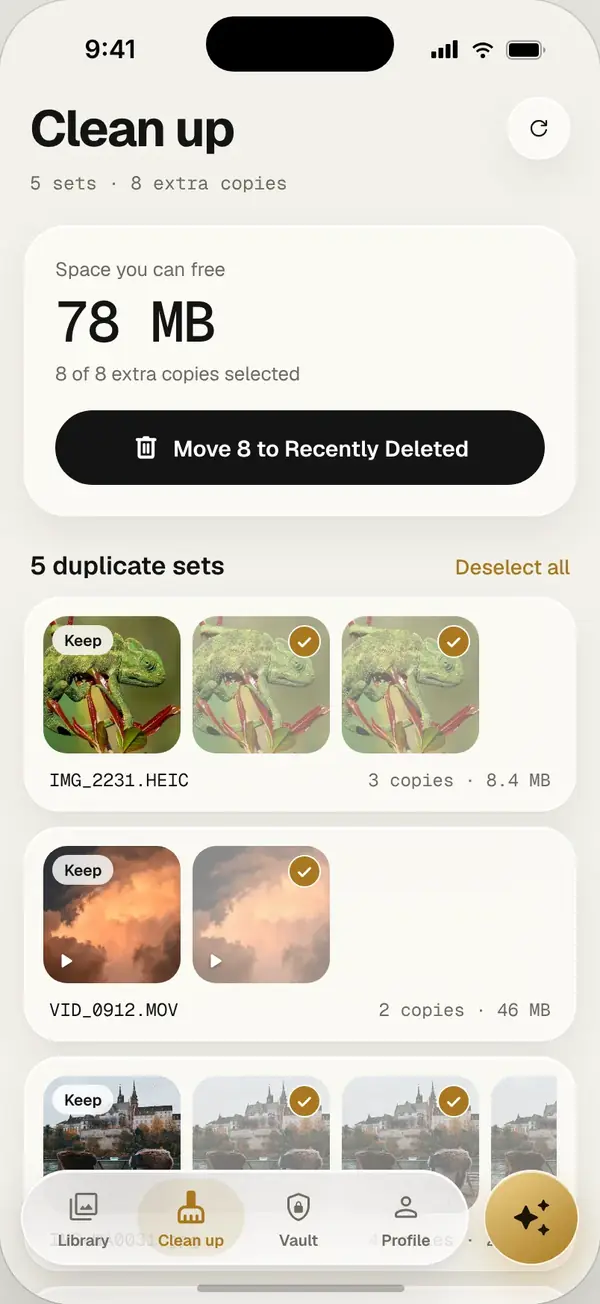
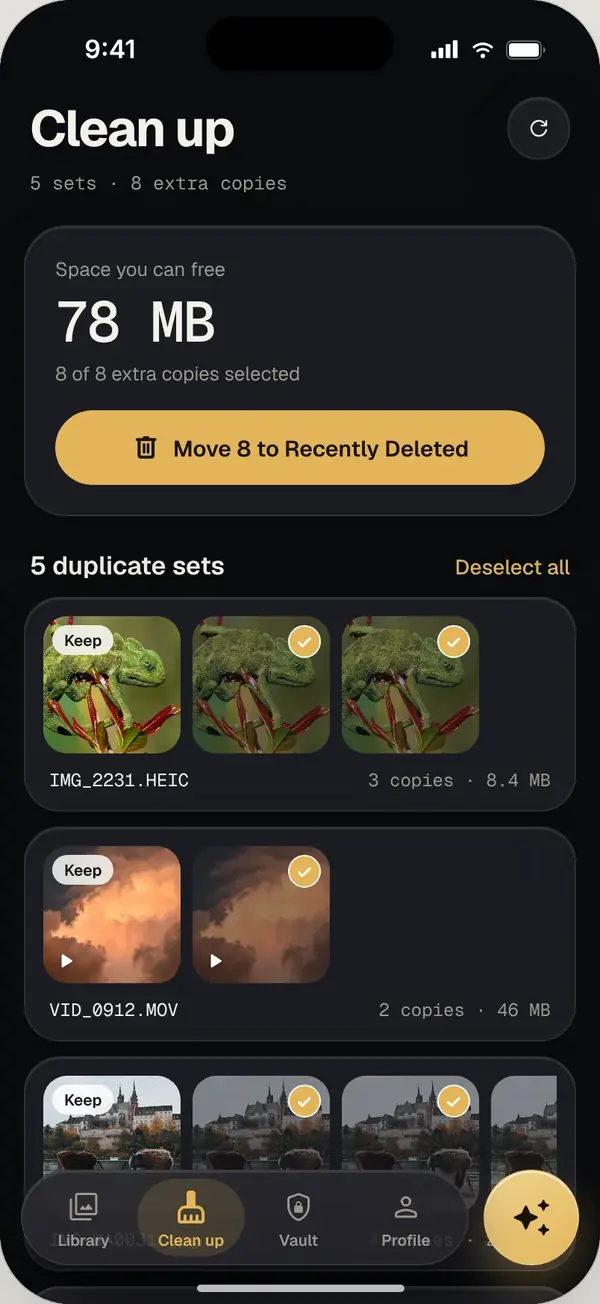
To delete duplicate photos on Android safely, use a duplicate cleaner that scans every folder, groups exact copies and lets you keep the best one. In Pixvio, run the duplicate scan, review each group and delete the extras; they stay in Recently Deleted for 30 days.
Where duplicates hide on Android
- Photos saved twice from WhatsApp, Telegram or other messaging apps
- Screenshots taken more than once
- Edited copies saved next to the original
- Old backups restored on top of existing photos
- Downloads folders and app caches your gallery doesn’t show
Steps with Pixvio
- 1
Run a duplicate scan
Open Pixvio and start the duplicate cleaner. It checks every folder, including ones your gallery hides.
- 2
Check each group
Copies are grouped. Pixvio picks the best one to keep, and you can switch it.
- 3
Delete the extras
Remove them in one tap. They wait in Recently Deleted for 30 days in case you change your mind.
Tips to avoid new duplicates
- Turn off auto-download of media in messaging apps you don’t need it in
- Don’t restore an old backup on top of a phone that already has those photos
- Run a quick duplicate scan once a month
Frequently asked questions
Is it safe to delete duplicate photos?
Yes, if you review them first and keep one copy. Pixvio keeps deleted copies in Recently Deleted for 30 days.
How much space can I free?
It depends on your phone. Libraries with many messaging-app photos often have hundreds of duplicates.